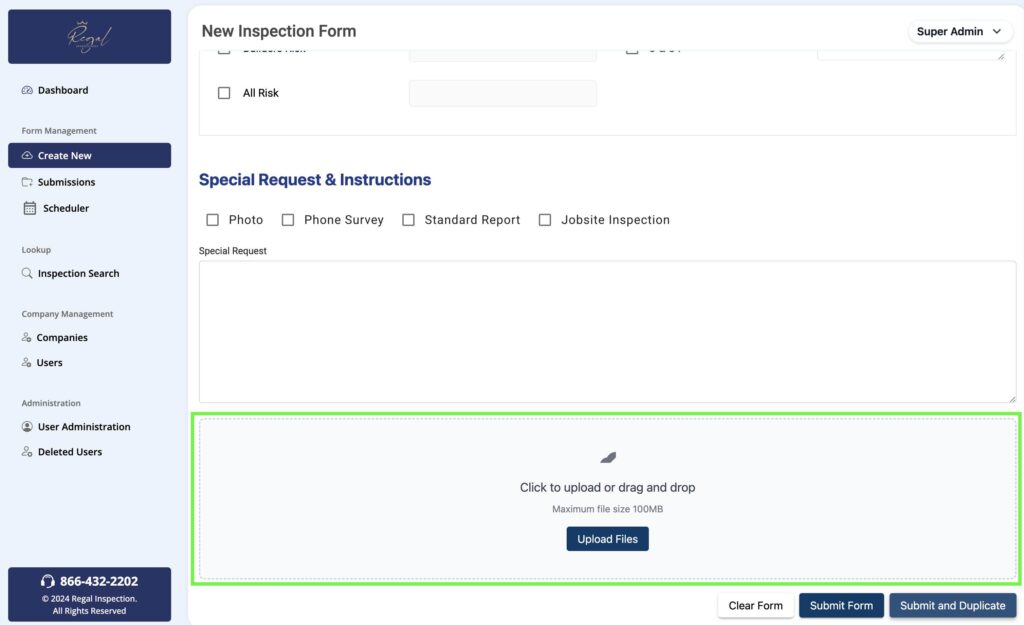
You have the option to upload images, documents, or other files as part of your inspection request. To attach files, scroll to the bottom of the request form.
Browse Your Computer
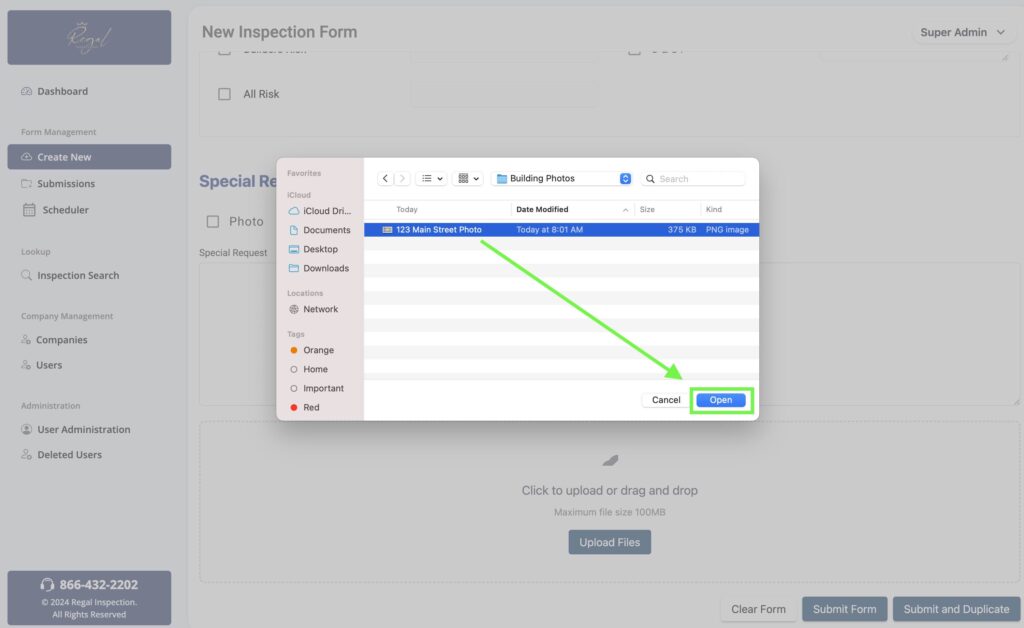
By selecting the “Dashboard”, you can view any work currently in progress. Next, click the “Upload Files” button which will open up an explore window. This will allow you to locate the file for upload. Select the file from your computer and click “Open”. This will attach the file(s) to your inspection request.